
3 days
Rp 25.000
Paket terpadu untuk mencoba Aplikasi Desktop VUBE sekaligus Script & Panel Game.
Choose a plan 3 days
Chat with Vube Veyra Pro, edit code, and browse the web in one Windows app.
Windows 10 / 11 · 64-bitOne unified license covers both VUBE App and Script & Panel access
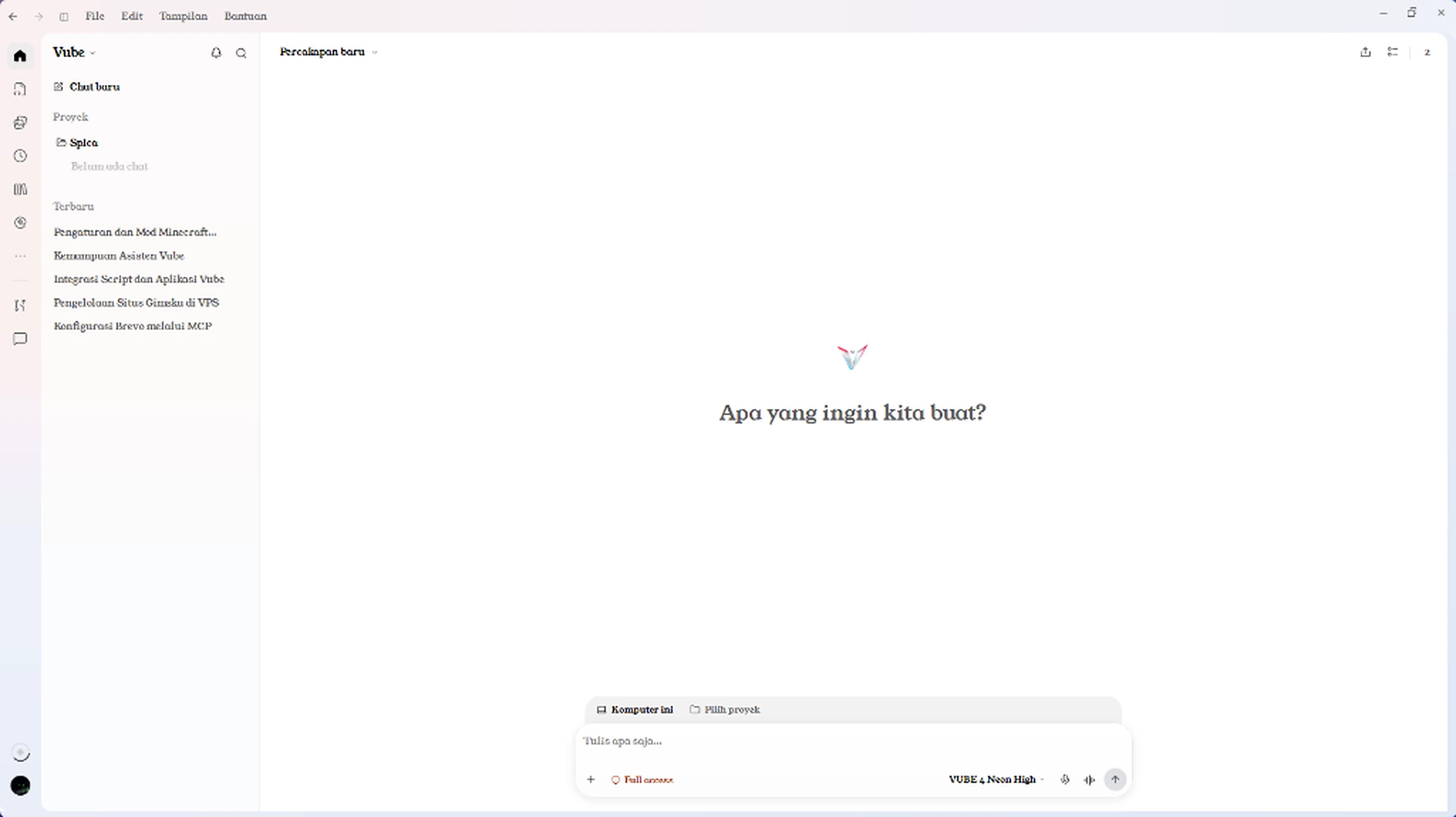
Choose a feature to see the app and how to use it.
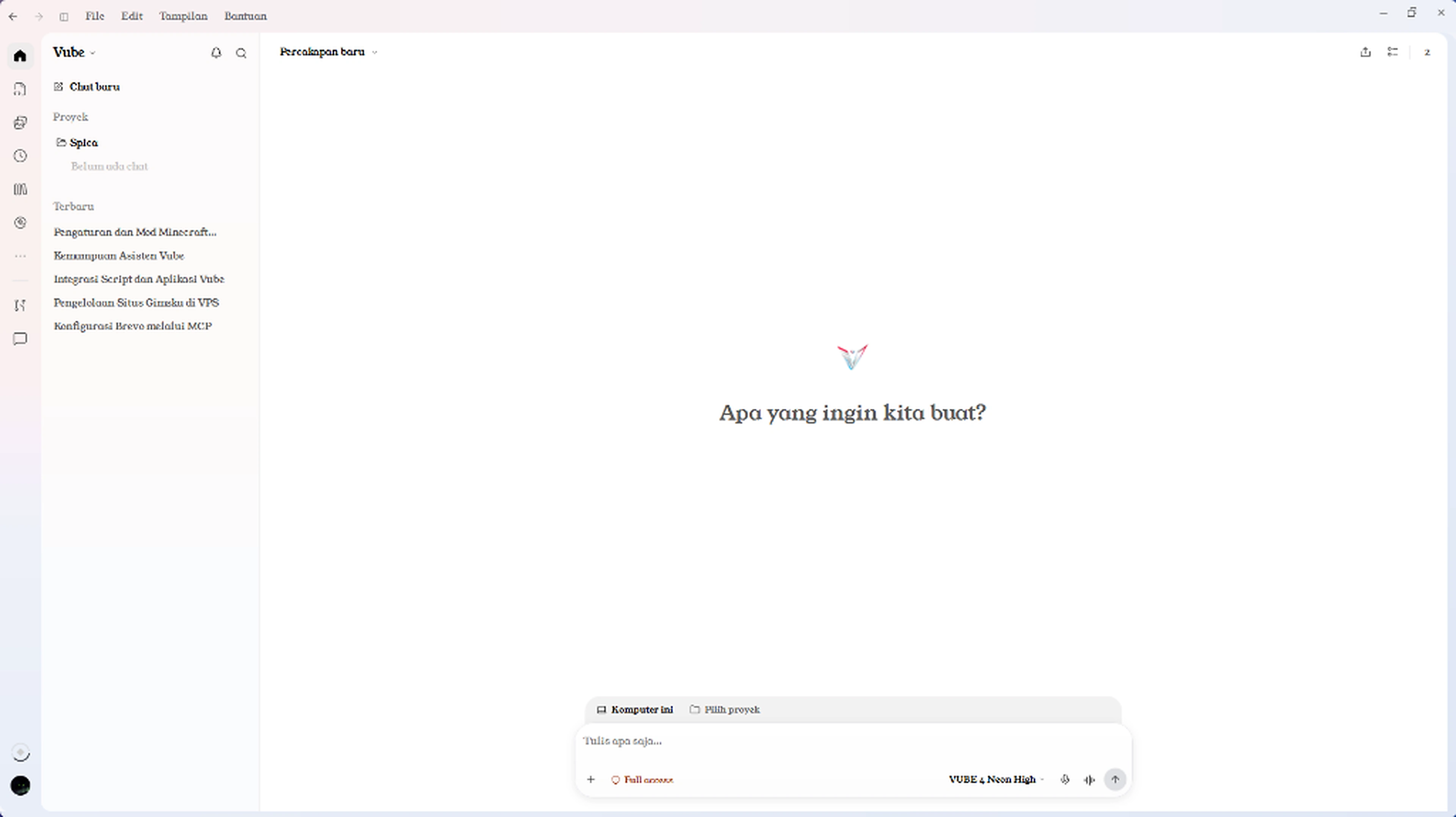
Group conversations and files by project so you can pick up with the same context.
Use AI connections like Vube Veyra Pro, Codex, Antigravity, and Grok to write, analyze, or assist with coding.
See current steps, file changes, and final results when reviewing AI work.
Open multiple tabs next to your chat. Capture an area, annotate an element, or check layouts at phone and tablet widths.
With a model that supports browser tools, ask AI to read the active page, inspect errors, or interact with the page as directed.
Choose from dozens of services in settings, including GitHub, Cloudflare, Supabase, and Brevo. The tools available to AI depend on the connector, model, and account permissions.
Save multiple server connections. Select a VPS for a conversation and ask an AI that supports SSH to check service status or read logs.
Draft a report outline or presentation script. Search Crossref for references and look up publications by DOI.
Preview images and collect files you want to reuse in later projects.
DYNAMIC ISLAND
Asisten yang menempel rapi di atas desktop Windows Anda. Buka saat dibutuhkan, tutup menjadi pil ringkas, atau pilih tampilan mata saja.
Akses clipboard bersifat opsional dan dapat diatur kapan saja di dalam aplikasi.
Pratinjau interaktif · bukan koneksi langsung
Bertanya atau lanjutkan pekerjaan tanpa perlu membuka jendela utama aplikasi.
Klik header Island untuk melipat. Pilih tab untuk menjelajah.
SPECTRE, WHEN YOU NEED IT
Untuk percakapan umum dan proyek lokal, Anda tidak perlu menghubungkan SPECTRE. Saat sesi runtime tersedia dan terverifikasi, VUBE dapat membaca data yang benar-benar diterima dari koneksi tersebut.
Pembelian paket VUBE juga sudah otomatis mencakup akses Script & Panel terpadu ketika Anda membutuhkan automasi runtime.
VUBE UNIFIED PLANS
Setiap paket sudah mencakup VUBE Aplikasi untuk Windows sekaligus Script & Panel VUBE tanpa perlu membeli secara terpisah.
Rp 25.000
Paket terpadu untuk mencoba Aplikasi Desktop VUBE sekaligus Script & Panel Game.
Choose a plan 3 daysRp 59.000
Paket mingguan seimbang untuk workspace desktop, Luau Studio, dan Script Game.
Choose a plan 7 daysRp 149.000
Akses 1 bulan penuh dengan nilai terbaik untuk Aplikasi VUBE + Script & Panel.
Choose a plan 30 daysPembayaran instan tersedia via Duitku di checkout, atau gunakan QRIS dan Robux di halaman paket aplikasi. Tidak ada perpanjangan otomatis.
Only need free VUBE Script access without the Desktop App? Open Get Key (script only, 24h).
Bandingkan rincian paket terpaduMULAI DI SINI
Unduh installer untuk Windows 10/11 64-bit, jalankan pemasangan, lalu buka aplikasi.
Gunakan akun Discord yang memiliki paket aktif (atau tempel kode lisensi) untuk membuka workspace dan Script & Panel secara bersamaan.
Pilih model AI, buka proyek lokal atau Luau Studio, dan kelola segalanya dari satu ruang.
DOCUMENTATION & GUIDES
Pick a topic below for concise steps on setup, AI workflows, and unified licensing.
Steps to install the VUBE app on Windows 10 or Windows 11 (64-bit) and link your account.
Group project context so every folder and thread stays tidy.
Browse web pages, open tabs, or launch a terminal directly inside the app.
Connect to Linux servers over SSH or monitor an iPhone alongside your chat.
Manage Antigravity, Codex, Claude, and Grok connections with auto-failover.
Understand how one paid plan covers both the Desktop App and Script & Game Panel.
SEBELUM MEMULAI
Ya, fitur Get Key tetap tersedia khusus untuk mengakses Script VUBE selama 24 jam di executor Roblox. Get Key tidak berlaku untuk membuka Aplikasi Desktop VUBE.
Ya. Pembelian paket 3, 7, atau 30 hari membuka akses VUBE Aplikasi Desktop sekaligus Script & Panel Game dalam satu lisensi.
Installer Windows dapat diunduh gratis di halaman unduhan resmi. Paket aktif dibutuhkan untuk membuka fitur workspace dan lisensi.
Alur utama memakai Login Discord yang memeriksa lisensi aktif akun Anda secara otomatis. Kode lisensi tetap tersedia di profil pesanan sebagai cadangan.
Saat ini VUBE Aplikasi dibangun khusus untuk desktop Windows 10 dan Windows 11 64-bit.

Mulai dari satu percakapan. Lanjutkan menjadi sesuatu yang nyata.
Download VUBE for Windows